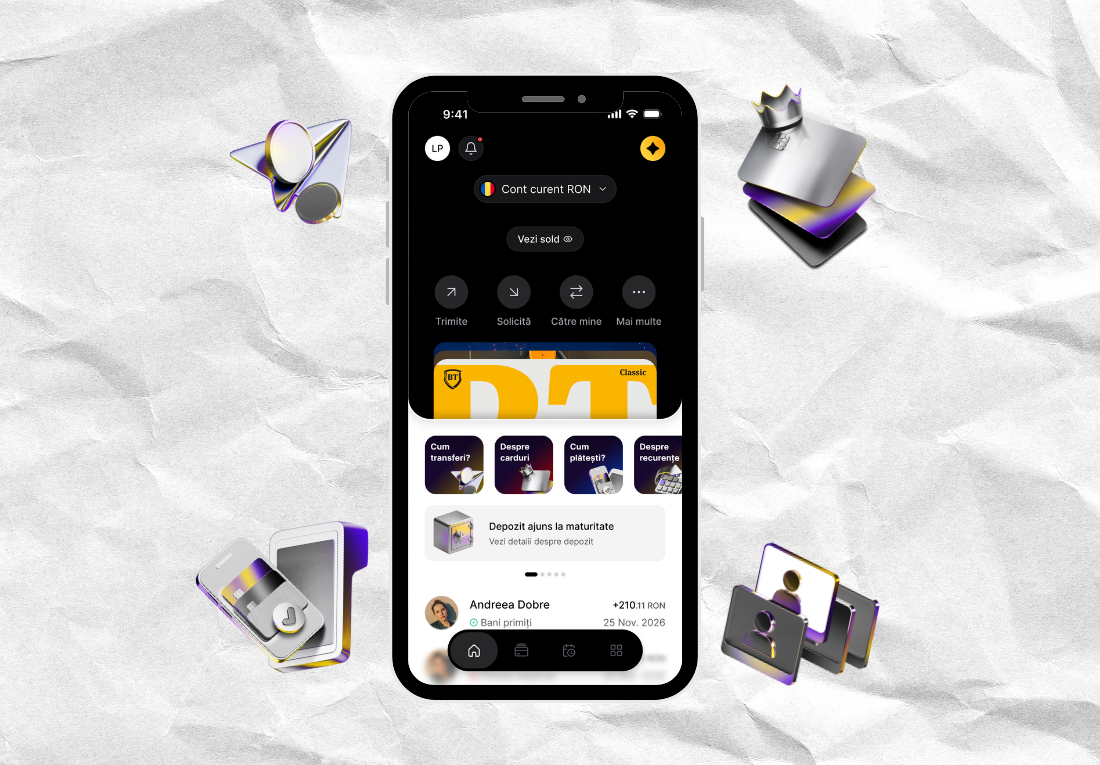
What you need to know about the Cards section in the new BT Pay?
Your cards: easier to manage in BT Pay
Cards are part of our daily routine: quickly check your card balance, see what you spent money on this week, and manage your card limits, benefits, or settings.
In the new BT Pay, all of these are in the section Cards, where you can see your BT cards, including those of the holder, you can add non-BT cards and have the options you need for each of them at hand.
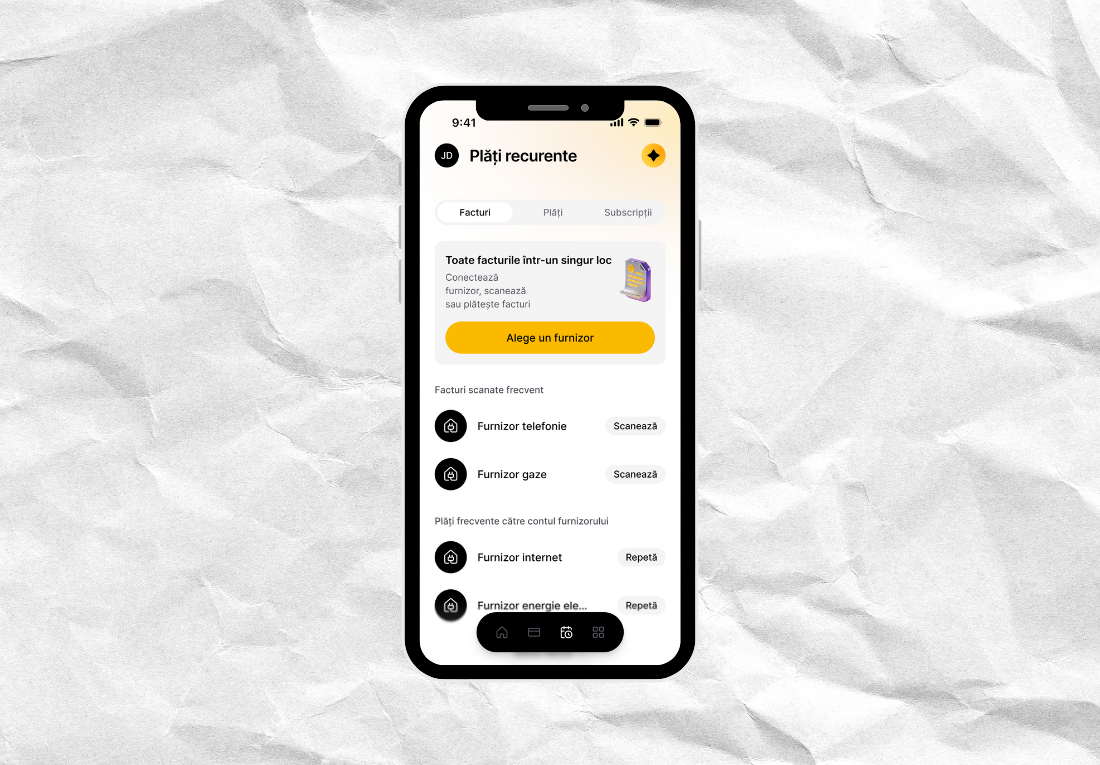
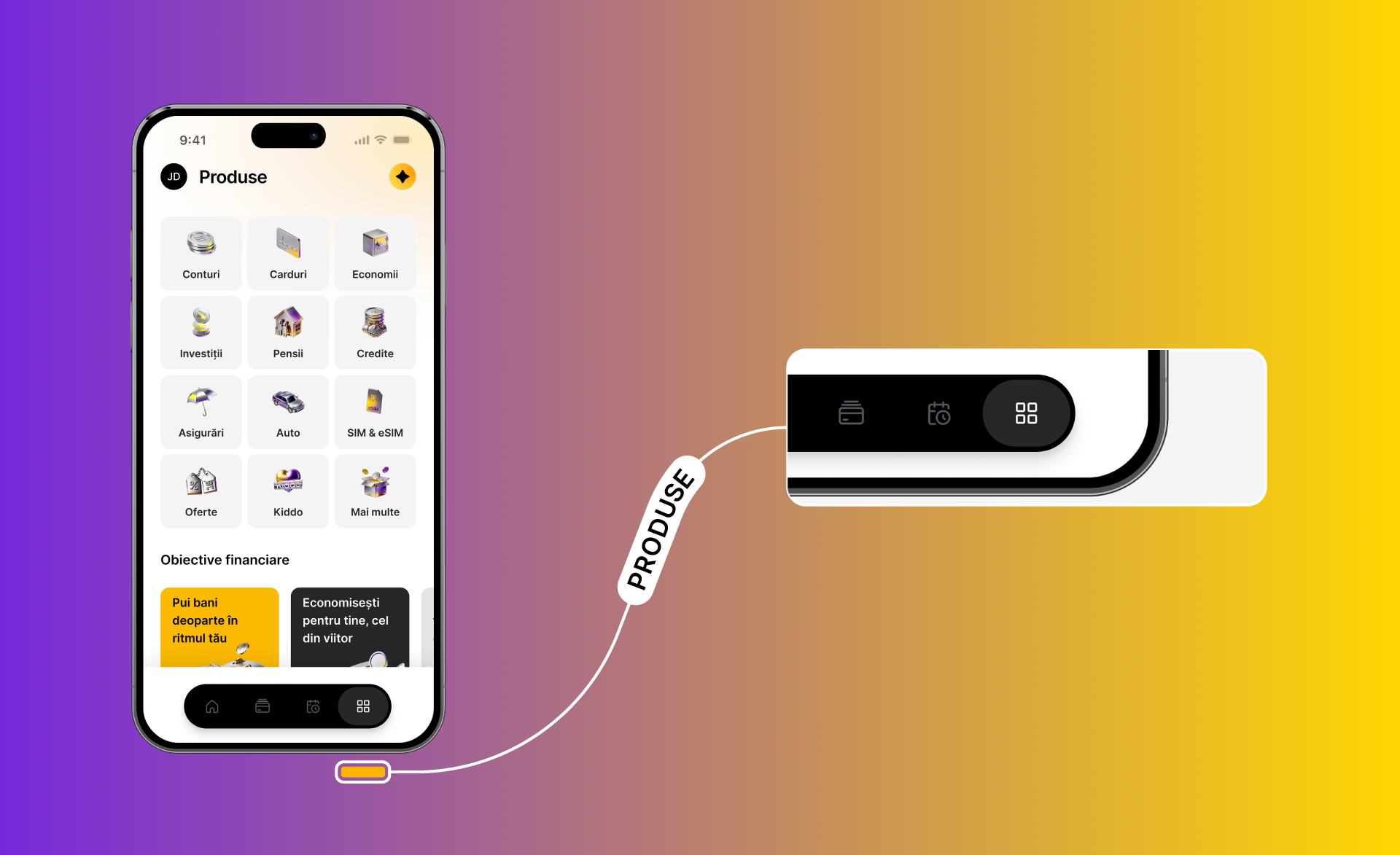
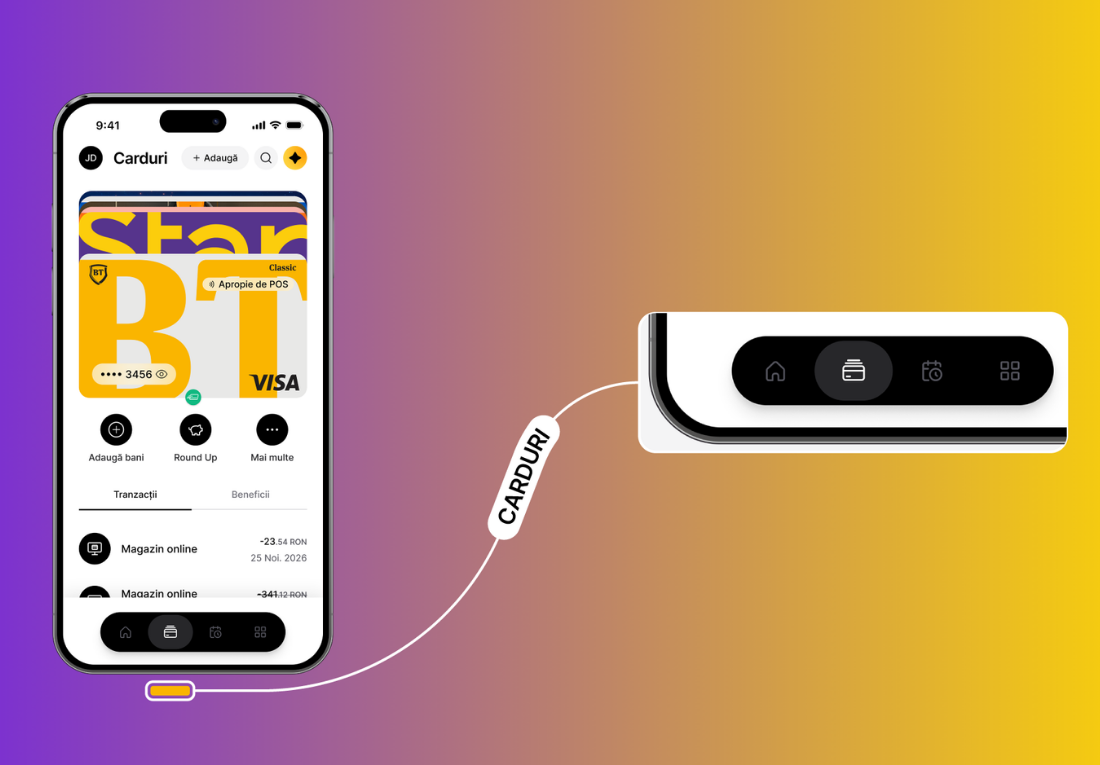
To access the Cards section in the new BT Pay, you will find a menu (a navigation bar) at the bottom of the app – from this menu you can choose Home page (homescreen), Cards, Recurring Payments and Products.
What can you do in the Cards section?
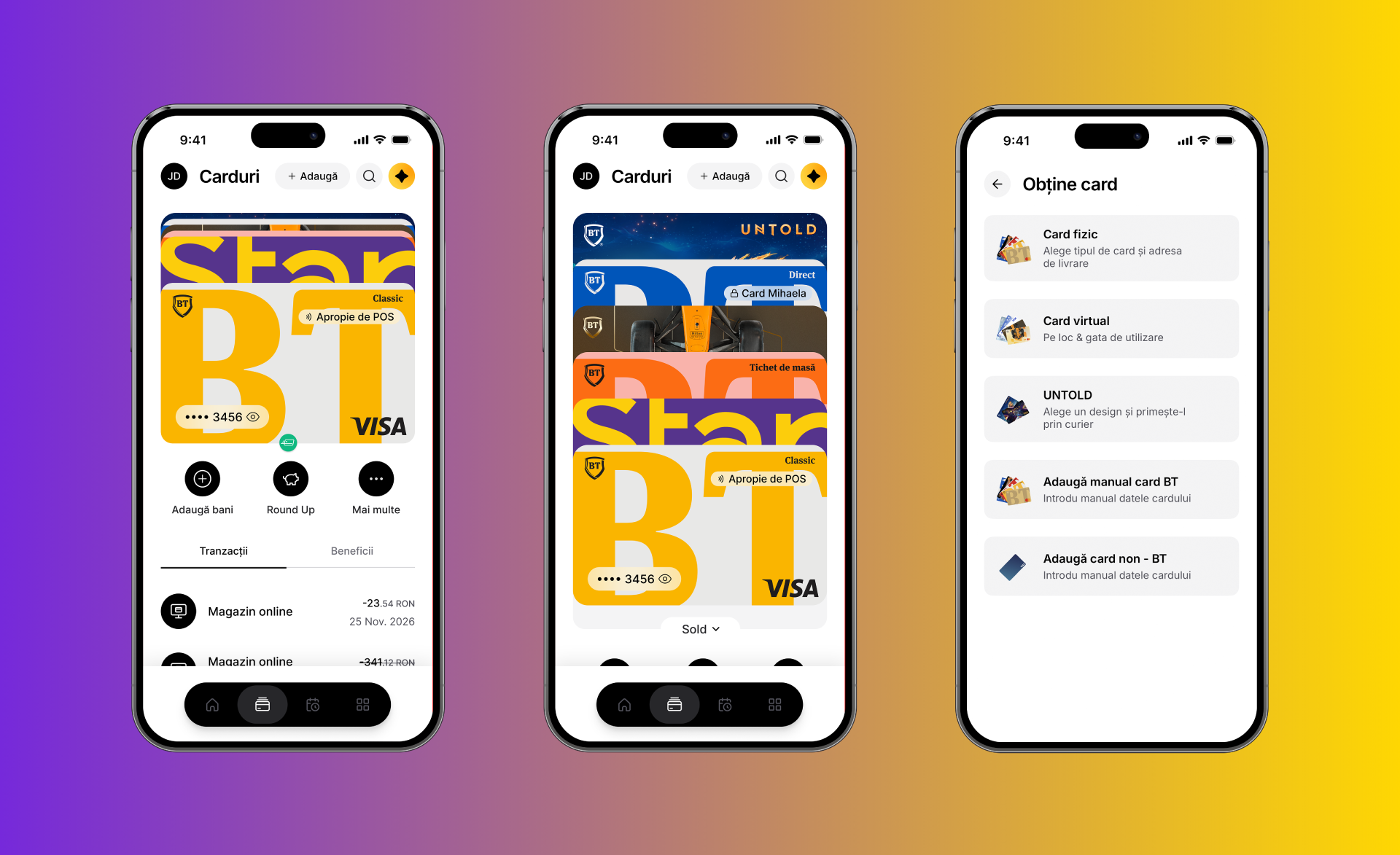
Here you can see all your cards, including those of the holder. In addition, you can issue new cards, and you can also add non-BT cards.
To see all your cards, you need to drag the first card down – from here, with a simple tap you can select any card you want
To issue yourself a new card, At the top right, you will find the Add button – you have physical and virtual cards available, but you can also manually add a card by entering its details.
What can you do with each card?
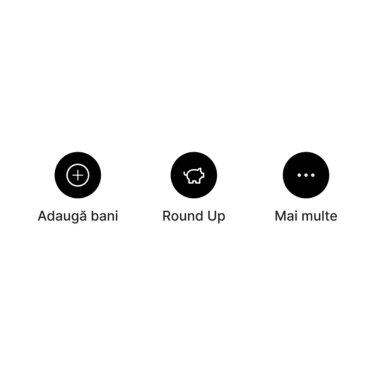
Under the card, you will find 3 buttons: Add money, Round Up and More.
- Add money: you top up from a card
- Round Up: save money while you shop
- More: where you can do a lot of things, see below
- Cash withdrawal: generate a code you can use at any BT ATM
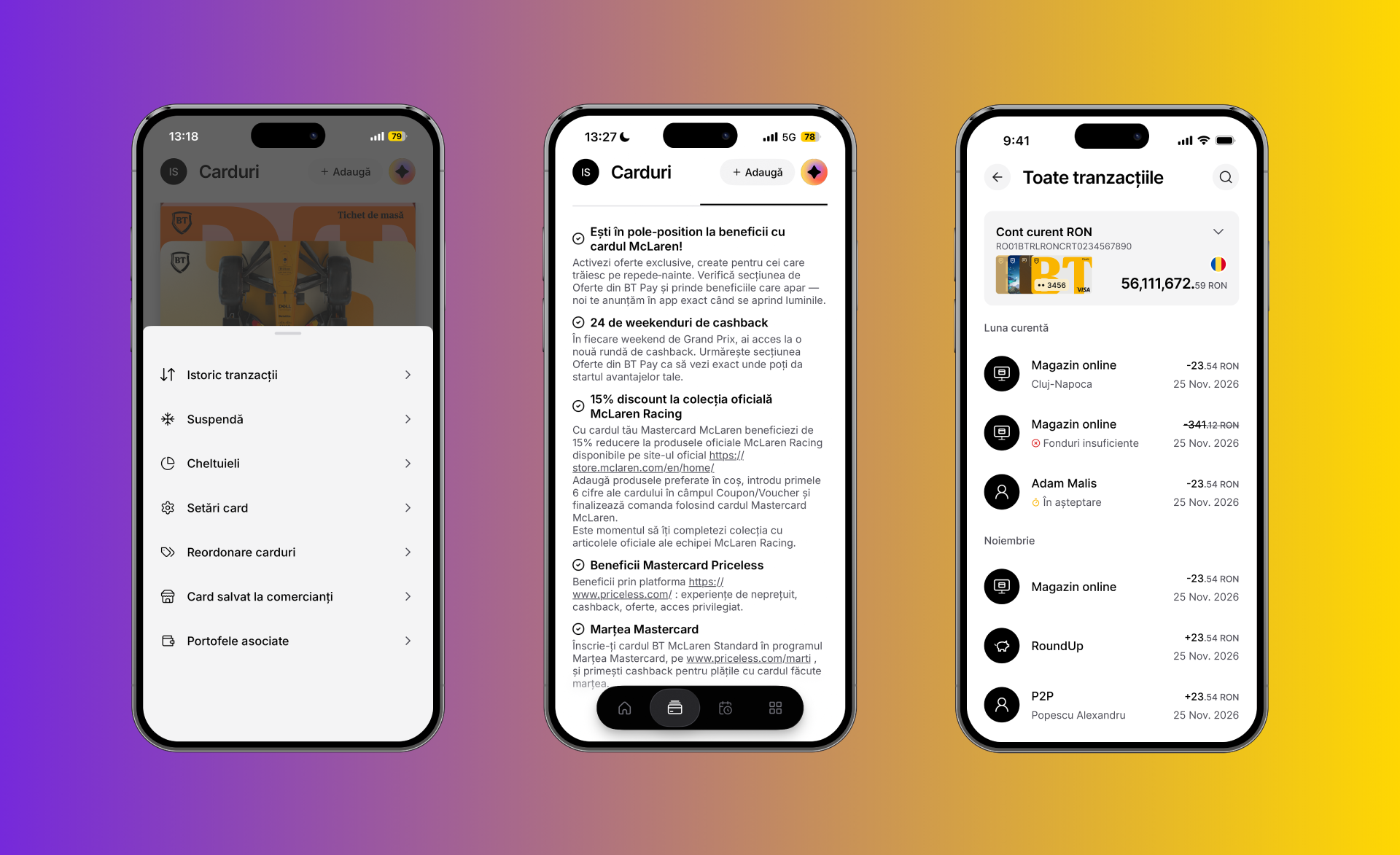
- Transaction history: see all your transactions in detail
- Suspend: meaning you temporarily block a card, but you can unblock it whenever you want
- Expenses: you have at your disposal an expense chart that shows you exactly by shopping categories what you spent your money on each month
- Card settings: From here you manage your card limits (number of transactions, online payments, cash withdrawals, in-store card payments), or, if necessary, you can permanently block the card
- Card Reordering: you arrange them as you like, depending on how often you use them for shopping
- Card saved at merchants: see exactly where your card is saved and which recurring payments it is used for
- Associated wallets: you know exactly where your card is added (for example Apple Pay, Apple Watch, Click to Pay)
- Credit Info: for credit cards – see exactly which purchases you made in installments or how much money you need to add to your card this month. Plus, you can also increase your credit limit
- Issue a card for someone else, a designated cardholder: you can issue a card for someone dear to you, so they can use the card and enjoy the same benefits as you.
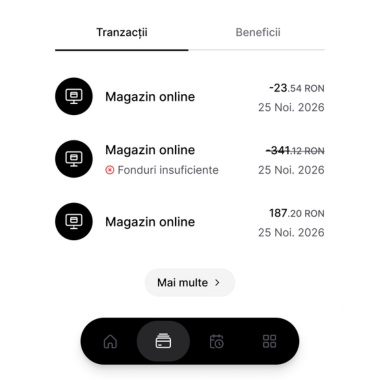
See each card's transactions and benefits
Each card has its own benefits, whether we are talking about access to the business lounge, cashback on certain card payments, or travel insurance.
Enjoy them to the fullest, wherever you are. 💛