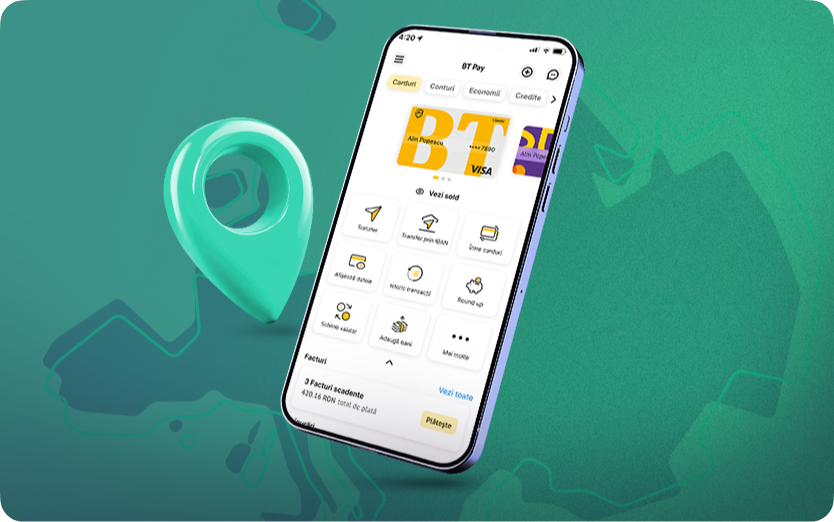
Recently, Banca Transilvania integrated the functionalities into the BT Pay application RoPay and RoPay Alias. These allow instant transfers by scanning a QR code or based on a phone number – free, 24/7, without IBAN. They are quick and intuitive solutions.
To access RoPay in BT Pay, the steps are as follows: Accounts – More – RoPay – Send/Receive money via RoPay. It is essential to correctly use this option: QR codes RoPay must be scanned exclusively from BT Pay, accessing RoPay, not with the phone camera or from third-party applications.
The reason is simple: BT Pay offers a secure environment for processing the code, while using the phone's camera, we could only rely on our vigilance to avoid opening links that may be risky.
Why is it risky to scan QR codes for payments with the phone camera?
Fraudsters can also create and place fake QR codes in seemingly legitimate places, which may hide links to fake websites, malicious apps, or phishing pages. In the absence of adequate protection provided by a banking app, users can become victims of financial fraud.
Protecsafe payment: scanning the RoPay QR code through BT Pay, and verifying the information before approving the transaction
If you are a BT client, by scanning the RoPay QR code directly from the BT Pay app (Accounts – More – RoPay – Send money via RoPay) and by verifying the transaction information before approval, you have the guarantee that the transaction is processed through a secure channel, with full banking protection. RoPay, developed by TRANSFOND in partnership with Romanian Banking Association, operates exclusively in official banking applications – precisely to ensure user safety.
Have a pleasant and safe scan, from the BT Pay app!