The complete guide to money sent home: how to transfer money to Romania with minimal costs?
For many Romanians in the diaspora, sending money home is part of the routine. Whether it's about family, savings, or personal projects, one thing is certain: you want toto always be in control when it comes to your money.
The good news is that you have more options than ever to send money: either home, to Romania, or abroad, among other Romanians. All, from BT Pay.
How do you send money to a phone number?
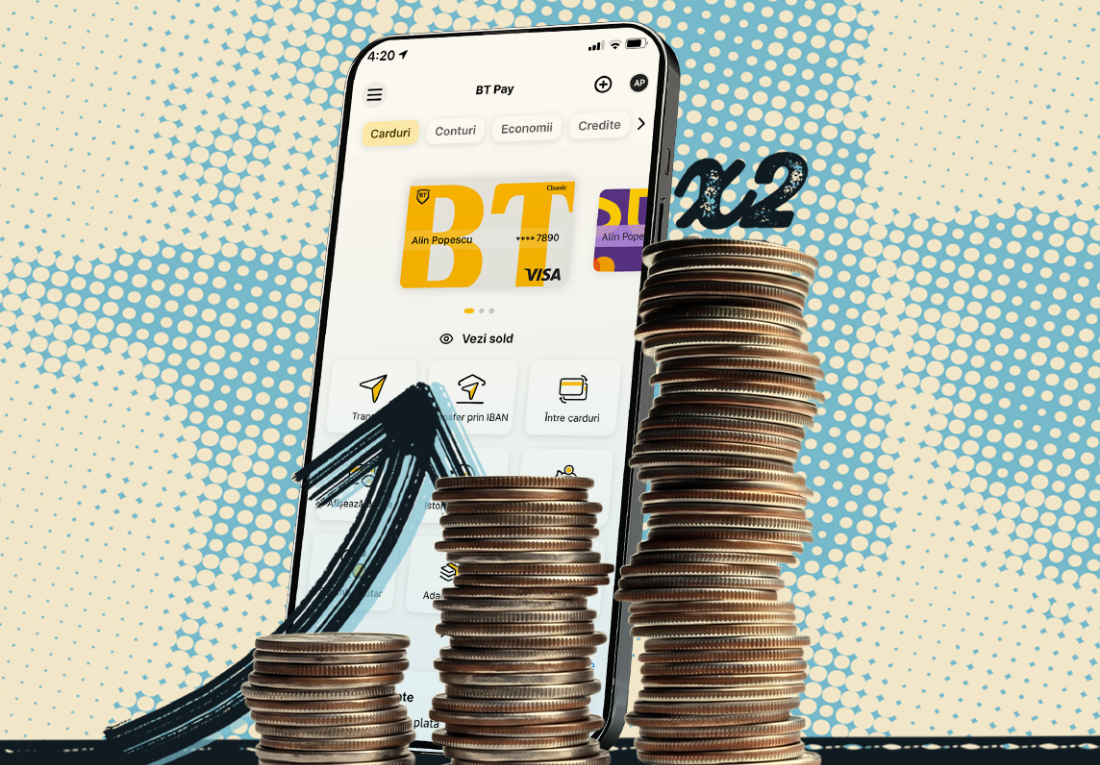
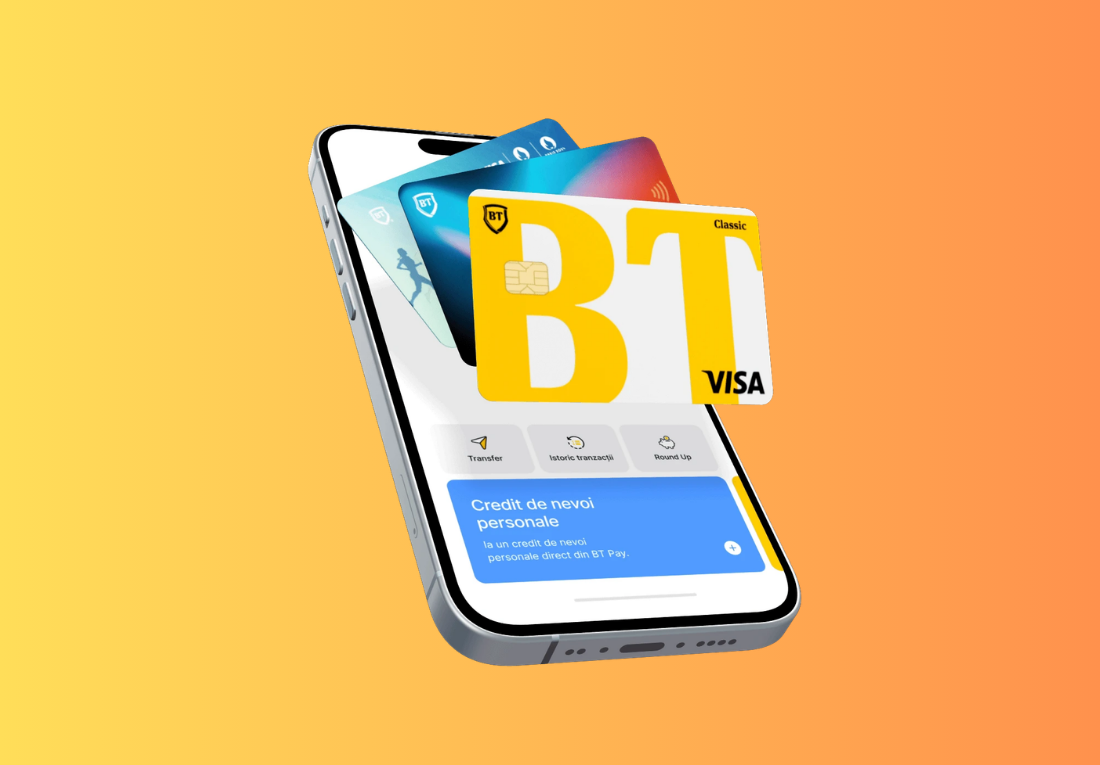
- From the app's homescreen, the "Cards" section, press "Transfer"
- Press "Send" and choose from the contact list the person to whom you want to send money
- The respective person, who receives the money, must also have BT Pay
- You can send money in lei and in foreign currency
- If you do not have the phone number saved in your contacts, press "Send to a new person" and enter the phone number
How do you send money via IBAN, in lei?
You have 2 ways, so it depends on you: 😊
- From the app's homescreen, in the "Cards" tab, choose "Transfer via IBAN"
- From the "Accounts" tab, choose "New payment".
How do you make foreign currency payments?
- Also from the "Accounts" section, you can open accounts in multiple currencies: euro, dollar, pound sterling, Australian dollar, Canadian dollar, Swiss franc, Czech crown, Danish crown, Hungarian forint, Japanese yen, Moldovan leu, Norwegian crown, Polish zloty, Swedish crown.
- After you have an account opened in any of the currencies above, select the account from the "Accounts" section and click on "Currency payment"
You must have the BT Pay app installed on your phone – it can be downloaded for free from the App Store, Google Play, or Huawei AppGallery. And if you don’t have a BT account yet, you can open one 100% online, directly from BT Pay.
In addition, we also have a super campaign for those who stay abroad: you receive up to 100 euros cashback if you open an account from BT Pay, apply on the campaign's website, and make payments with the euro card. Let's see more here.